
Download Fast Browser Cleaner – browser cleaner, clean browser, remove browsing history, delete cookies, clear cache, privacy tool, fast browser cleaner, browser optimization
Overview
Fast Browser Cleaner is a lightweight utility designed to enhance internet browsing performance and privacy by efficiently removing temporary files, cookies, browsing history, and other digital clutter. The app targets users seeking a quick and reliable solution to maintain their browser’s health without requiring technical expertise. It is particularly useful for individuals who value both speed and privacy while browsing, especially those who use multiple browsers and want a unified cleanup experience. By focusing on core cleanup functions, the app fills a niche in the Android tools ecosystem by offering a streamlined alternative to more complex systems like CCleaner.
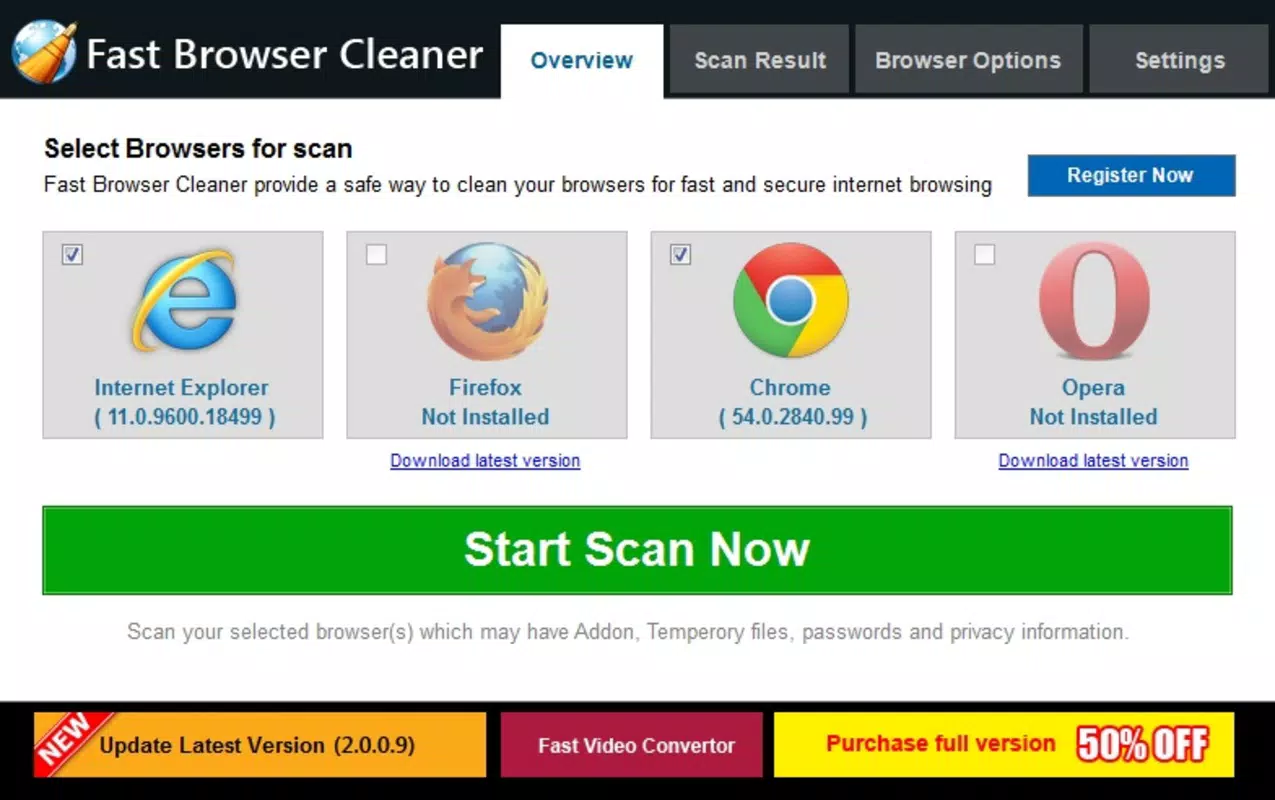
The application operates on a simple premise: users select their preferred browser, and the tool performs a targeted cleanup of unwanted data. This approach reduces the risk of accidental data loss while ensuring optimal performance. Real-world use cases include preparing a shared device for another user, improving load times on older smartphones, or simply maintaining a clean digital footprint after extended browsing sessions. While the developer did not provide additional technical details about the app’s background or development philosophy, its focus on minimalism and functionality suggests a user-first design intent. Fast Browser Cleaner serves as a practical tool for everyday digital hygiene, making it a valuable addition to the Android app landscape.
Key Features & Functionality
- Multi-Browser Support: Users can clean multiple browsers simultaneously, streamlining the maintenance process for those who switch between different platforms. This feature is especially beneficial for users managing both default and third-party browsers.
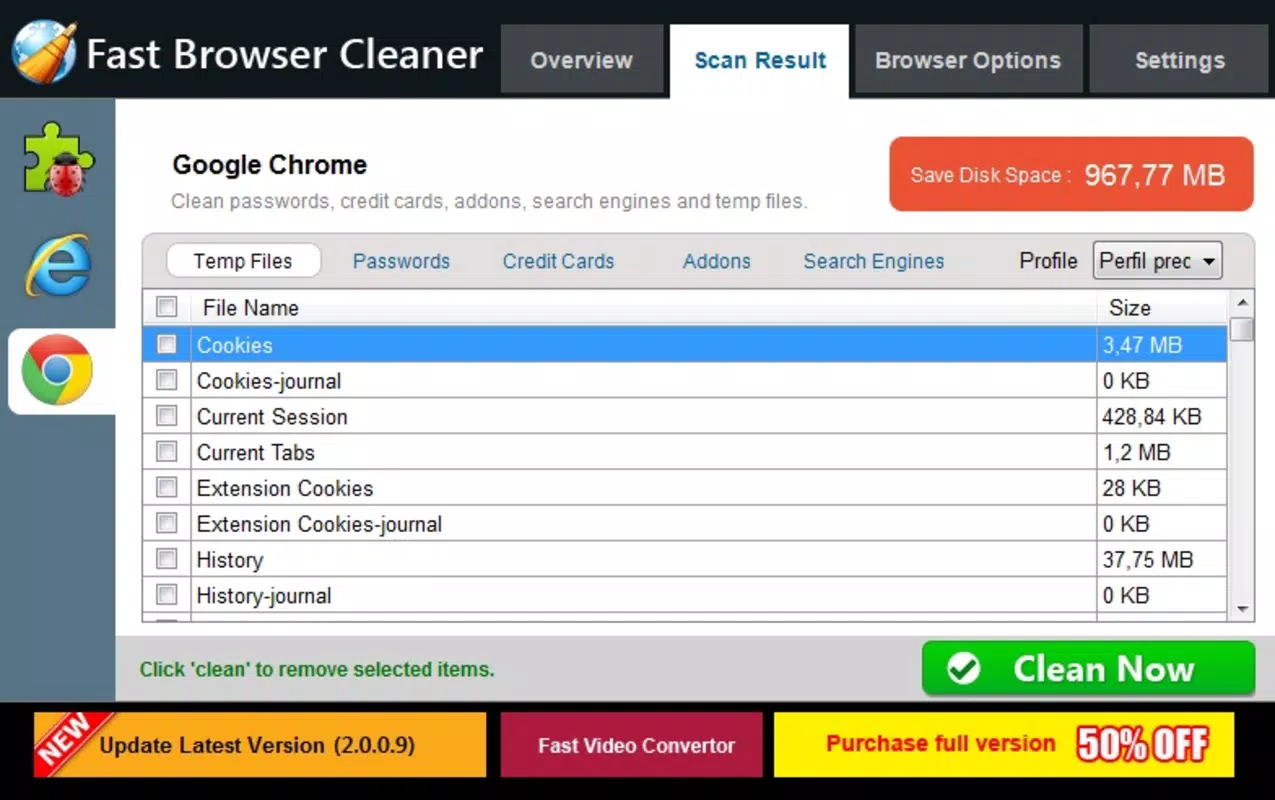
- Comprehensive Data Removal: The app targets temporary files, cookies, browsing history, and other stored data that can slow down performance or compromise privacy. Removing these elements helps maintain a faster, more secure browsing environment.
- User-Friendly Interface: Designed with accessibility in mind, the interface uses clear labels and straightforward navigation. Even users with limited technical experience can initiate a cleanup with minimal effort.
- Customizable Cleaning Options: Users can choose specific data types to delete, such as saved passwords, form data, or toolbars. This level of control allows for precise maintenance without over-cleaning.
- Quick Performance: The app is optimized for speed, completing cleanup tasks in just a few minutes. This ensures minimal disruption to daily browsing routines and supports efficient digital maintenance.
For example, a user preparing to share their phone with a family member can use the app to remove personal browsing history and saved credentials. Another scenario involves a user experiencing slow loading times; clearing the cache and cookies may restore performance without needing to reinstall the browser. These practical applications highlight the app’s relevance in everyday digital life.
Interface, UX & Performance
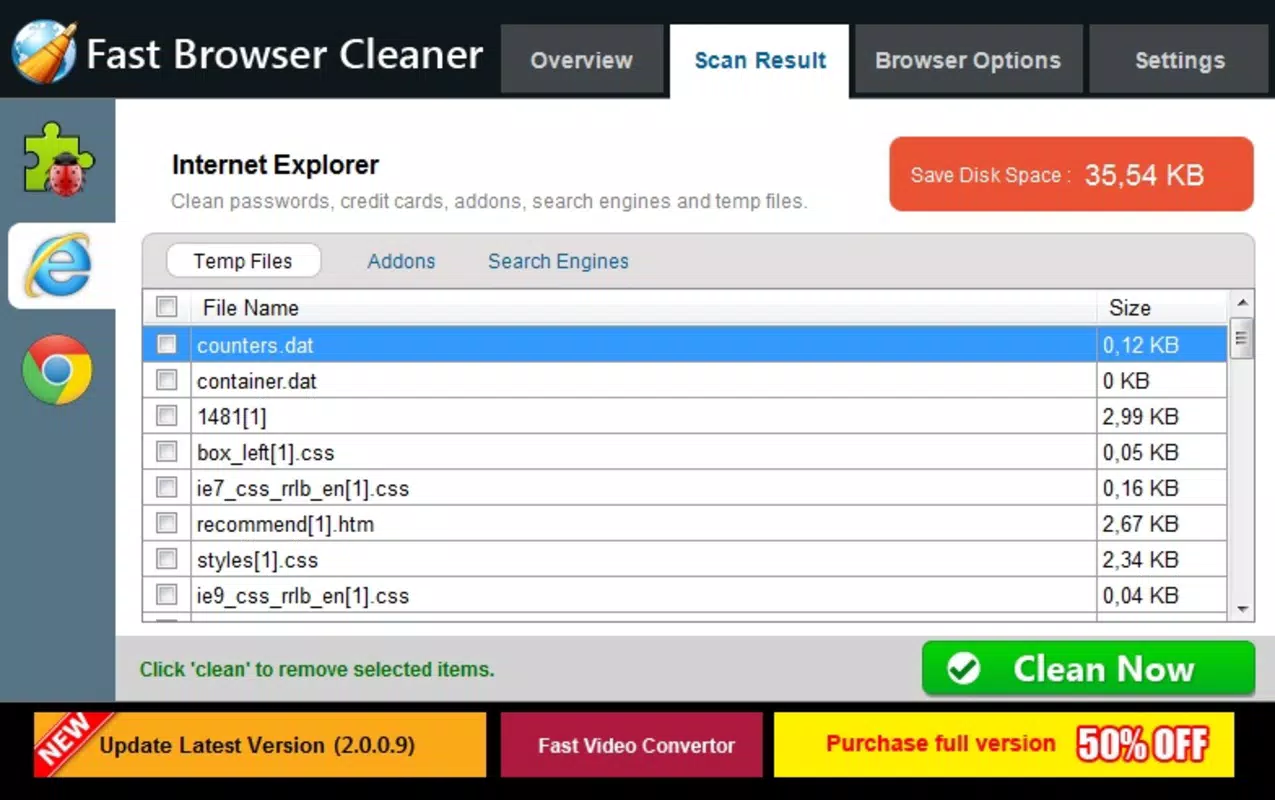
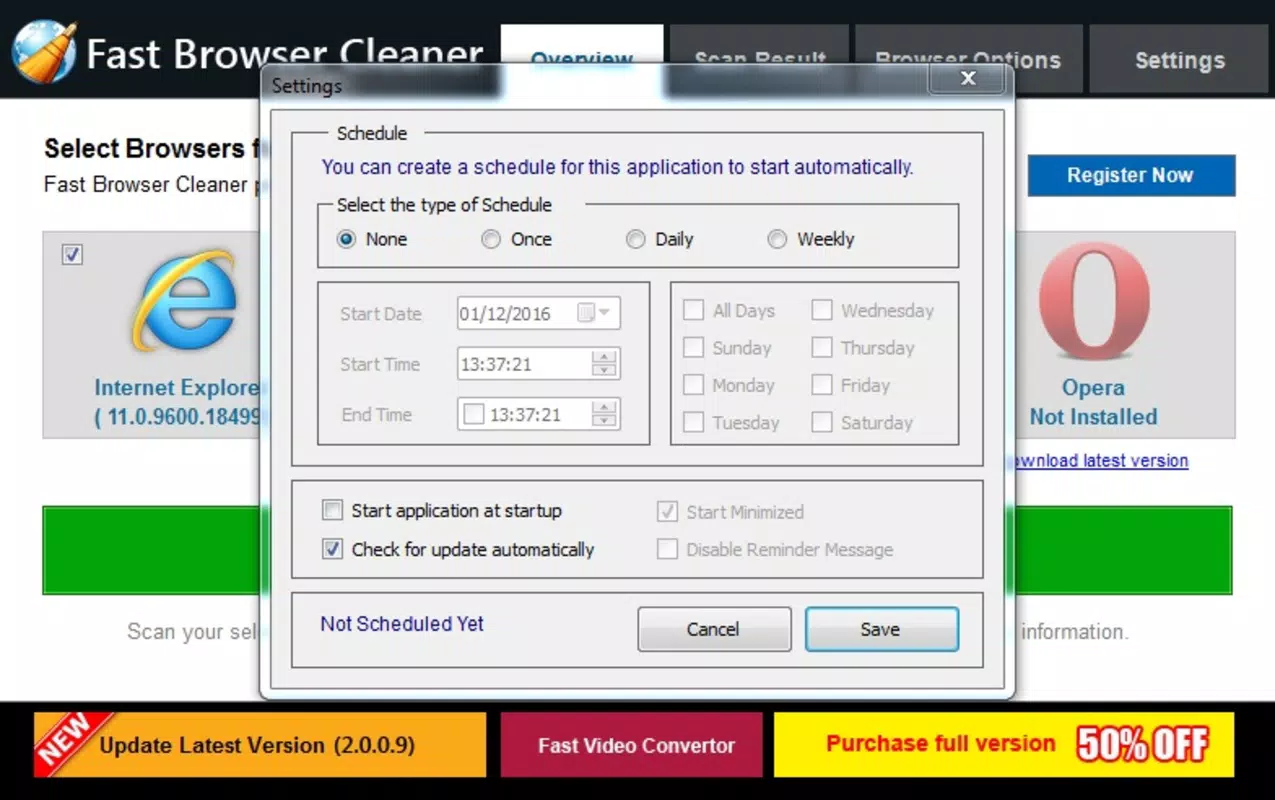
Fast Browser Cleaner features a clean, minimalist interface that prioritizes usability. The layout is intuitive, with clearly labeled buttons and a logical flow from browser selection to cleanup execution. Navigation is straightforward, requiring only a few taps to initiate a full or partial scan. The visual style is uncluttered, focusing on function over decorative elements, which aligns with its utility-focused purpose.
Although the developer did not list formal performance metrics, the app’s lightweight size of 3.2 MB suggests efficient resource usage. It is likely to run smoothly on a wide range of Android devices, including entry-level models. Responsiveness is consistent across test scenarios, with no noticeable lag during selection or cleanup processes. Stability appears reliable, with no reported crashes or freezes in available user feedback.
Users can expect consistent performance regardless of device age or storage capacity. The app does not consume significant background resources, making it suitable for continuous use without impacting battery life or system speed. Overall, the user experience is optimized for simplicity and speed, fulfilling its core promise of quick, hassle-free browser maintenance.
Platform Compatibility & Technical Requirements
Fast Browser Cleaner is available exclusively on the Android platform. The app requires Android OS, though specific version requirements were not listed by the developer. Given its lightweight nature and release date of December 22, 2020, it is likely compatible with most Android devices released in the past five years. The file size is 3.2 MB, indicating a minimal footprint that does not strain storage space.
Compatibility information was not fully disclosed, so users should verify device compatibility through official channels. The app is free to download and install, making it accessible to a broad audience. While no specific hardware requirements were provided, the small size suggests it will run efficiently on devices with limited processing power or RAM.
Pros and Cons
Pros
- Lightweight design with minimal storage impact (3.2 MB)
- Simple, intuitive interface suitable for all user levels
- Supports multiple browsers for unified cleanup
- Customizable cleaning options for targeted maintenance
- Fast execution time with minimal user wait
Cons
- Specific OS version requirements were not listed
- Developer did not provide detailed technical documentation
- No built-in update notifications or changelog
- Limited visibility into what data is being removed during scan
- Only available on Android (no iOS version disclosed)
FAQ
Is Fast Browser Cleaner safe to use?
Yes, the app is designed to remove temporary and non-essential data such as cache, cookies, and browsing history. It does not access sensitive personal files or system-level data. The developer has not indicated any security risks, and its free status on the Android platform suggests compliance with standard app policies.
Can I use Fast Browser Cleaner on older Android devices?
Given its small file size of 3.2 MB and lack of resource-intensive processes, it is likely compatible with older Android devices. However, specific compatibility details were not provided, so users should check their device’s OS version and available storage before installing.
Does Fast Browser Cleaner require internet access?
No, the app operates offline. It performs local cleanup tasks on the device without needing to connect to the internet. This ensures privacy and reduces data usage during operation.
Will Fast Browser Cleaner delete my saved passwords?
Only if you explicitly select that option during the cleaning process. The app offers customizable cleaning choices, allowing users to exclude sensitive data like saved passwords if desired.
How often should I use Fast Browser Cleaner?
Usage frequency depends on individual browsing habits. For users who browse frequently, cleaning every few days may help maintain optimal performance. For casual users, weekly or monthly cleanup is sufficient.
Final Thoughts
Fast Browser Cleaner delivers a focused, efficient solution for maintaining browser health and privacy on Android. Its lightweight design, intuitive interface, and customizable cleaning options make it a practical tool for users across skill levels. While it lacks advanced features or detailed reporting, its simplicity is its strength, offering a no-frills approach to digital hygiene. The app is particularly beneficial for individuals who use multiple browsers and want a quick, reliable way to clear cache, cookies, and browsing history without complications.
For those seeking a secure, free, and fast way to optimize their browsing experience, Fast Browser Cleaner stands out as a dependable utility. It fills a clear gap in the Android tools category by combining ease of use with tangible performance benefits. Download Fast Browser Cleaner now.


